

How to Automate Order Lookups and Refunds in WooCommerce

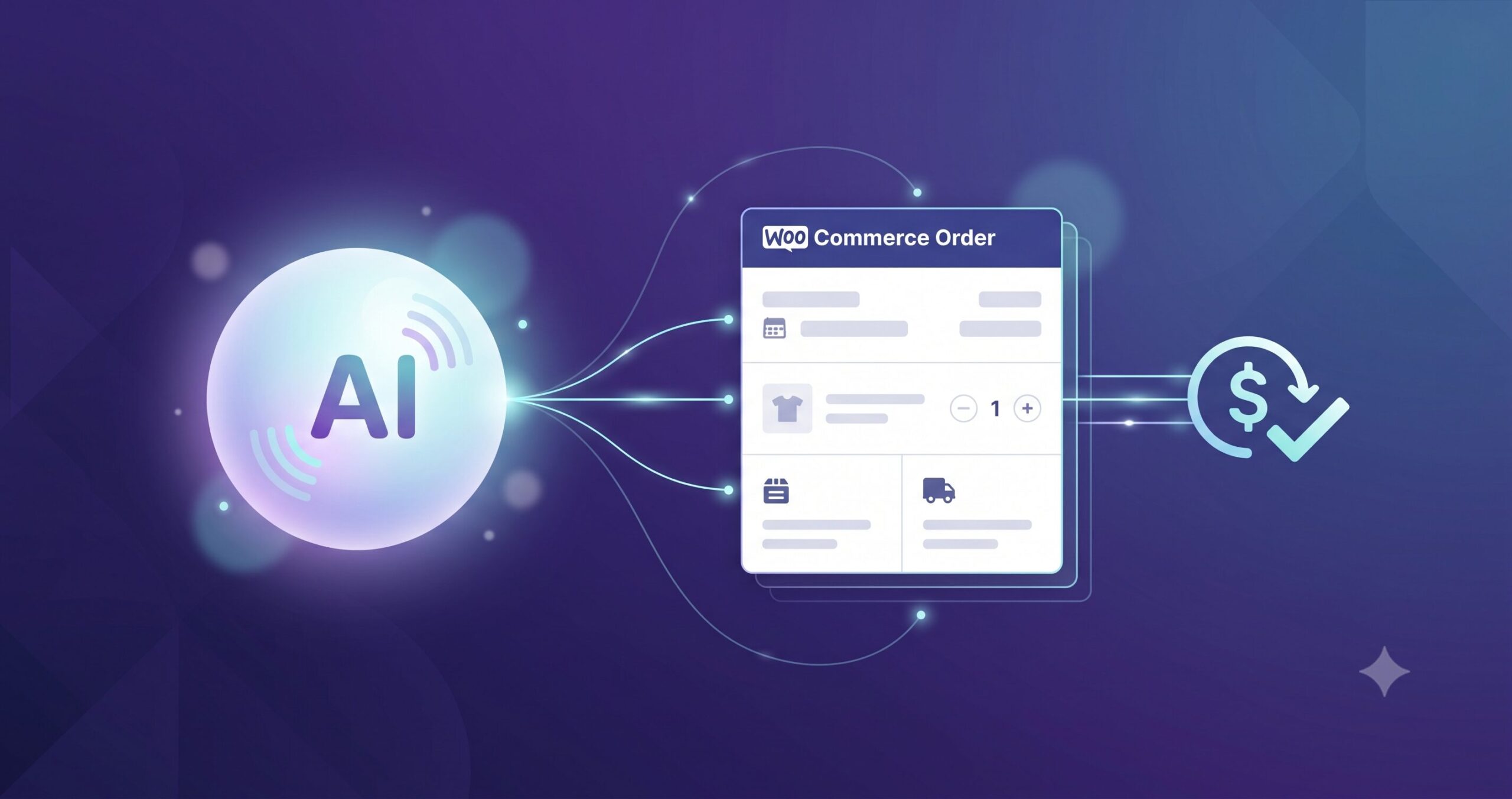
You can automate order lookups and refunds in WooCommerce and remove the two most repetitive tickets in any e-commerce inbox: “where’s my order?” and “can I get a refund?” Together, these two questions typically make up the majority of support volume for a WooCommerce store, and both are structured enough — tied to real order data with clear rules — that they don’t need a human touching every single case.
This post covers what these automations actually do, how they connect to your store, and which parts should still be routed to a person.
What Order Lookup and Refund Automation Actually Means
Automating order lookups and refunds doesn’t mean replacing your support process — it means letting software handle the data-fetching and rule-following parts of it. Instead of a person manually searching an order number in wp-admin, the automation:
- Looks up the order directly from WooCommerce by order number, email, or phone number
- Checks the order status, shipping details, and payment status in real time
- Applies your refund policy rules to decide whether a refund can be issued automatically
- Processes the refund through WooCommerce and your payment gateway when it qualifies
- Flags anything outside policy for manual review
How It Works, Step by Step
- The customer asks about an order — by phone, chat, or another connected channel.
- The system identifies the order — matching order number, email, or phone number against WooCommerce records.
- It pulls live order data — status, line items, shipping, and refund eligibility, straight from the store rather than a cached copy.
- It applies your rules — a return window, a restocking condition, an order-value threshold — to decide what it can resolve on its own.
- It acts or escalates — issuing the refund and confirming it to the customer, or handing the case to a human with full context when it falls outside the rules.
The difference between this and a basic autoresponder is that every step touches live WooCommerce data — the automation is checking your actual order database, not guessing from a template.
Why WooCommerce Refund Automation Is Usually First
Order lookups and refunds are usually the first thing store owners automate, for a few practical reasons:
- The data already exists in WooCommerce. Order status, shipping info, and refund history are already structured and queryable through the WooCommerce API — there’s no separate system to build.
- The rules are usually already written down. Most stores have a refund policy; automation just applies it consistently instead of leaving it to agent discretion.
- The volume is high and the judgment required is low. A standard, in-policy refund request doesn’t need a human decision — it needs a fast, accurate one.
- It’s the fastest way to free up a support team’s time for the harder conversations that actually need a person.
What Still Needs a Human
Automation works best on clearly defined cases. A few situations should still route to a person:
- Refunds outside policy — past the return window, missing conditions, or otherwise an exception to the rule.
- Disputed or partial orders — damaged items, missing items, or anything requiring a judgment call about what’s fair.
- Repeat or unusual patterns — a customer with several refund requests in a short period is worth a human look before another automatic approval.
A well-built automation should escalate these cases with full order context attached, rather than silently denying them or leaving the customer stuck.
Getting Started
If you’re planning to automate order lookups and refunds in WooCommerce, start by writing down your refund policy as explicit rules — return window, condition requirements, order-value limits — since the automation can only be as consistent as the policy it’s following. Then check that your channel of choice (phone, chat, or both) can connect to WooCommerce’s order and customer data in real time.
OrphoraAI is built to do exactly this: an AI voice agent that plugs into WooCommerce, looks up orders instantly, and processes in-policy refunds automatically — while handing off anything outside the rules to your team. It works alongside the broader approach covered in AI customer service for e-commerce.
Want to see it in action? Try OrphoraAI live or get started for free →